




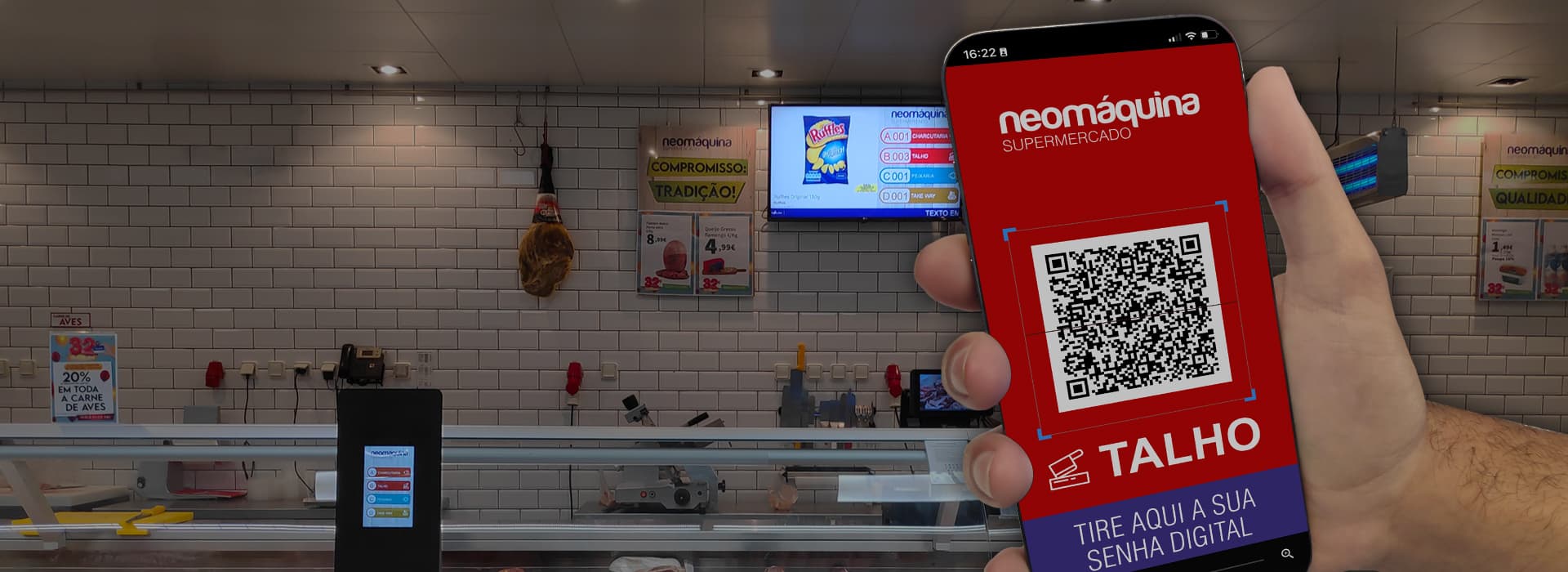
Voice and QR code tickets
QUEUE MANAGEMENT


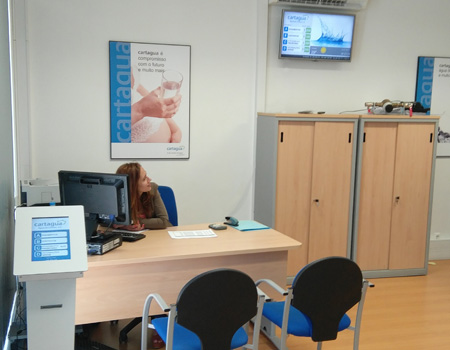
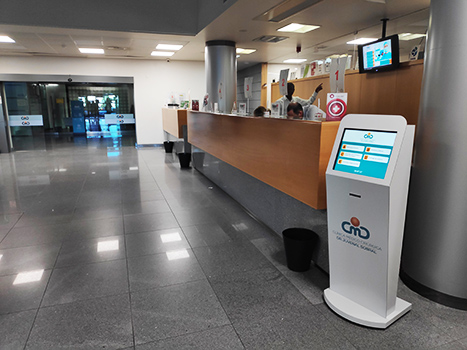
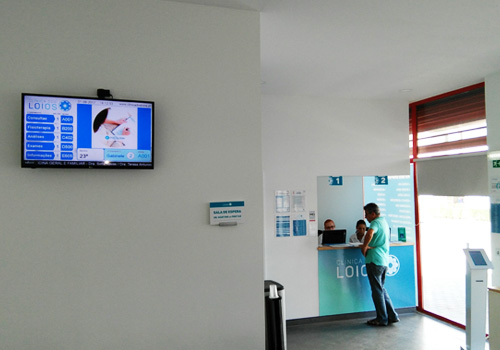
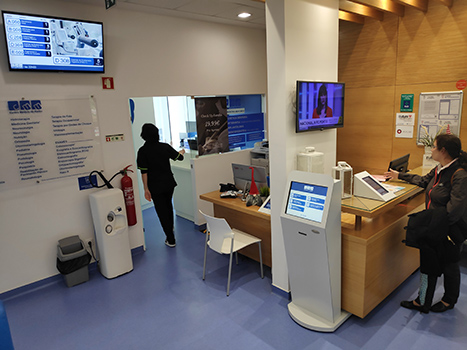
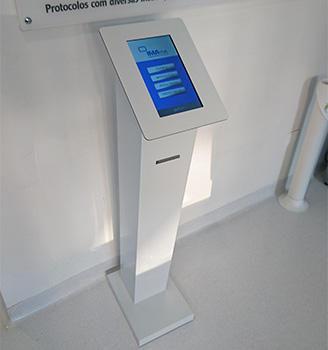
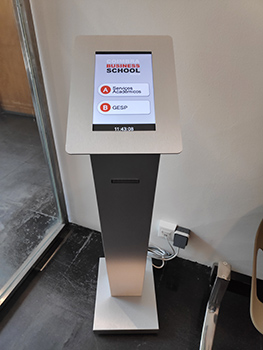
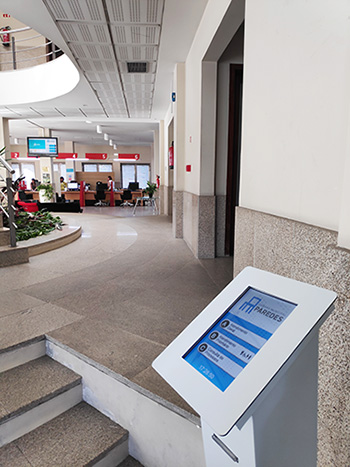
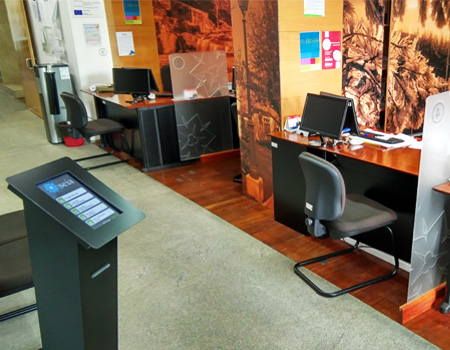
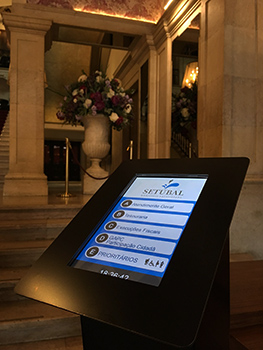
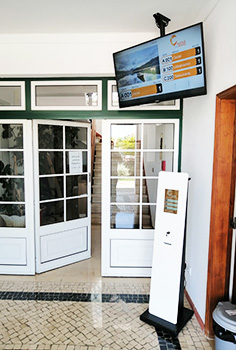
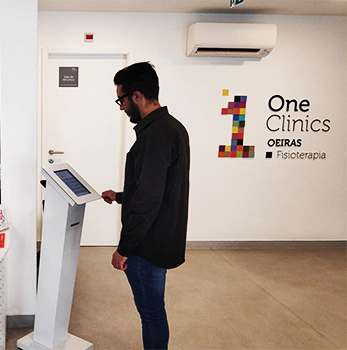
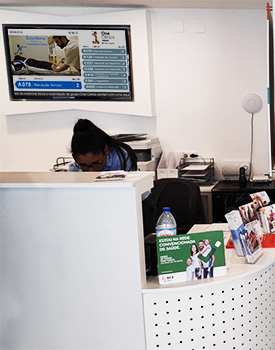
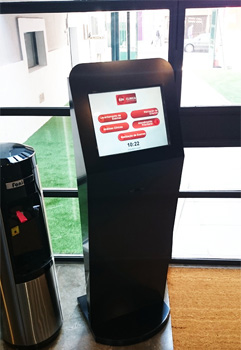
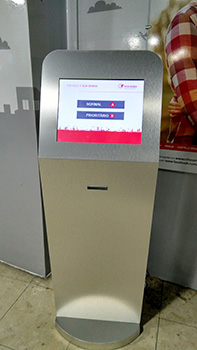
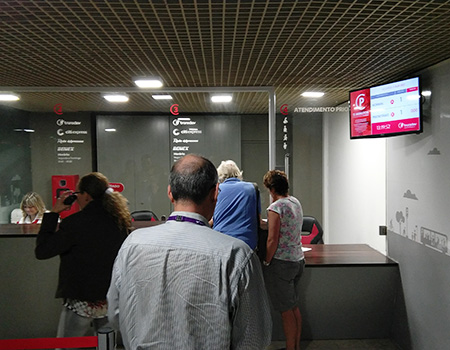
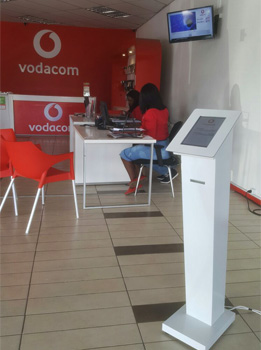
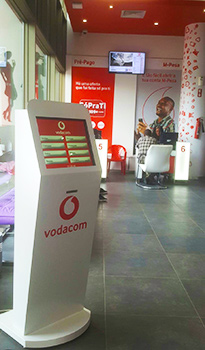
Q.TRACK APPLICATIONS


SECURE, AUTOMATED AND EFFICIENT SERVICE
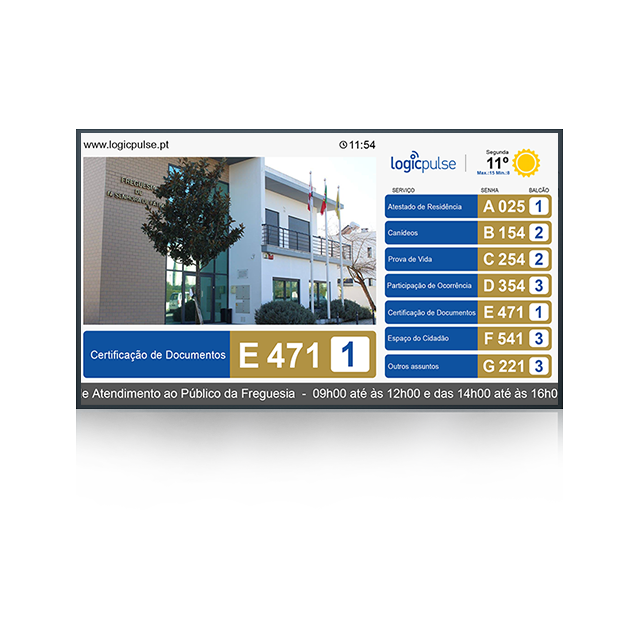
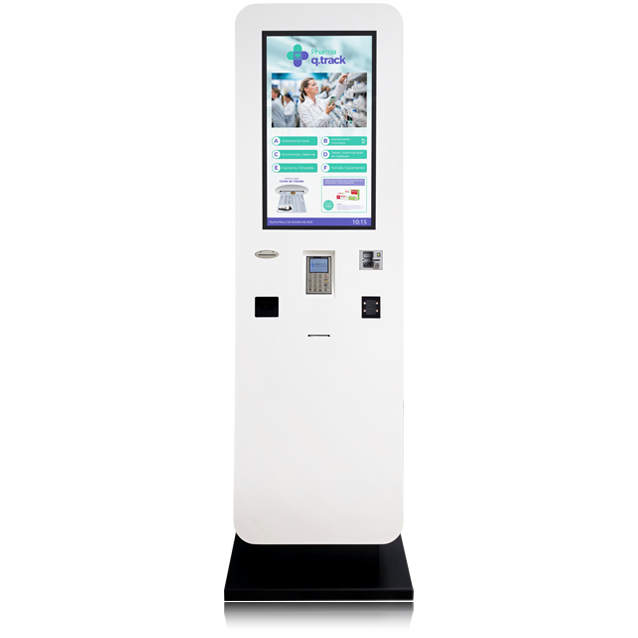
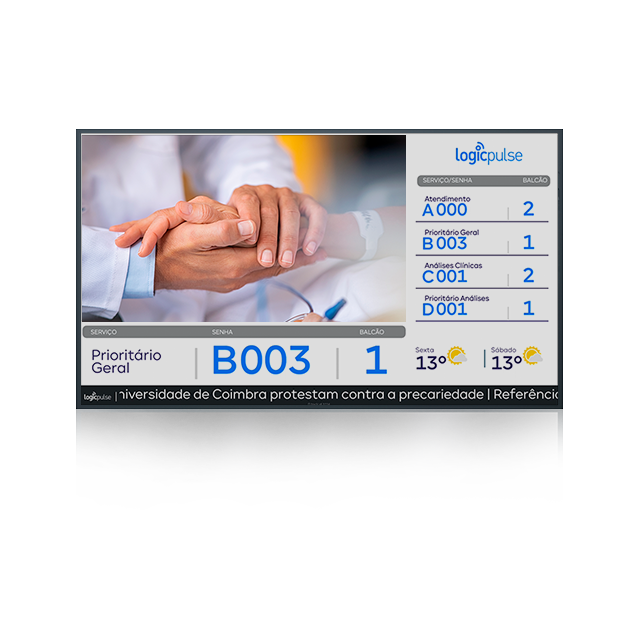
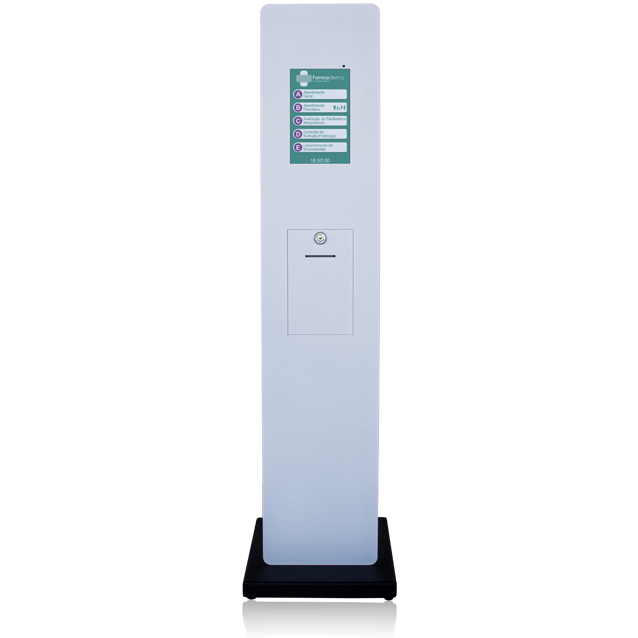
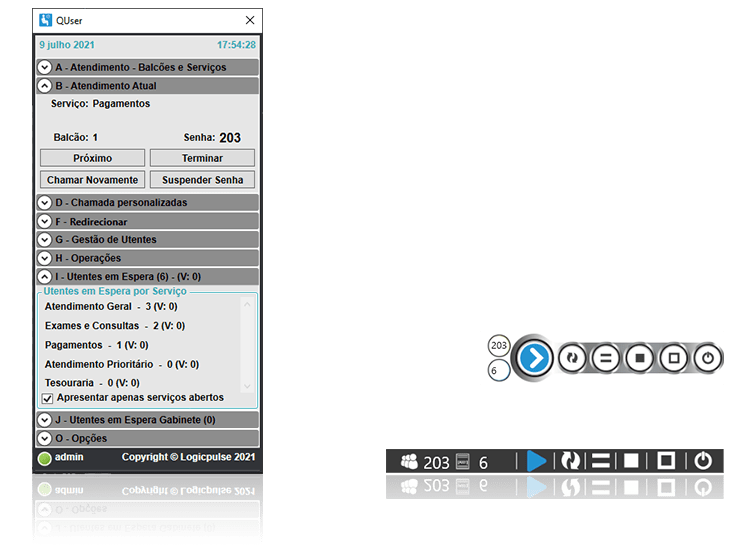
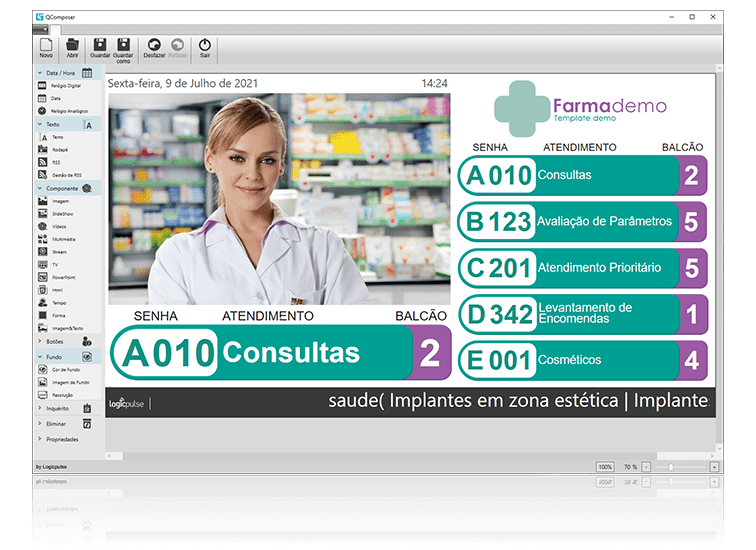
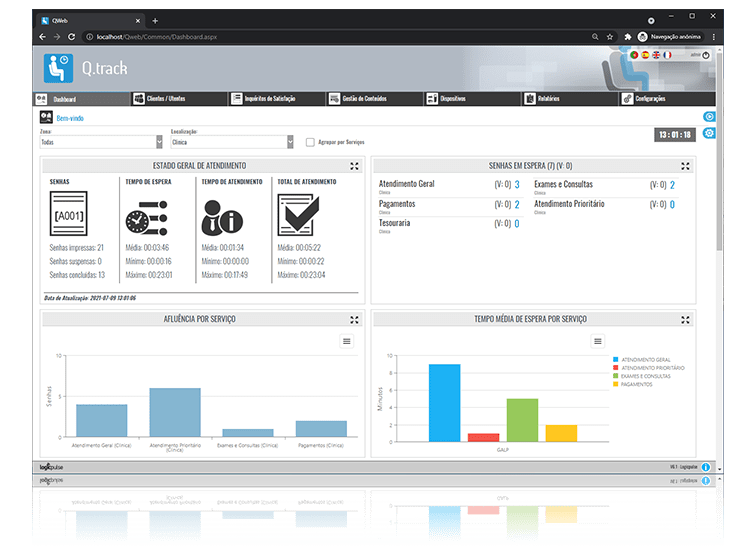
SCREENSHOTS
Join our partner network and enjoy a range of benefits.
The Logicpulse partner network is only available to companies or professionals in the technology sector.
Become a partner- 01
Web-based system, allows easy installation and operation of the system;
- 02
System configuration according to the customer’s image and values;
- 03
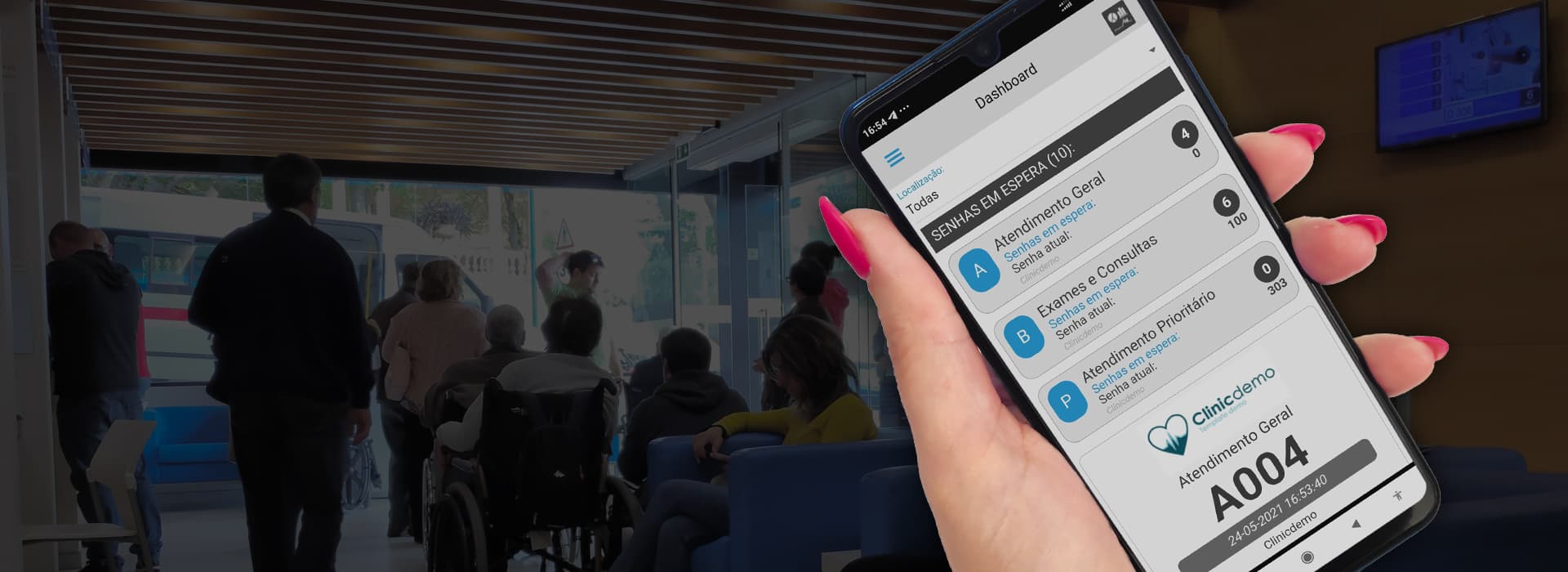
Dashboard with real-time information with graphs of affluence by service, location, average waiting time per service, per user and daily affluence;
- 04
Allows real-time consultation of the different parameters of customer service;
- 05
Allows auditing that leads to optimization of customer services and resources;
- 06
Provides tickets and scheduling services via mobile APP;
- 07
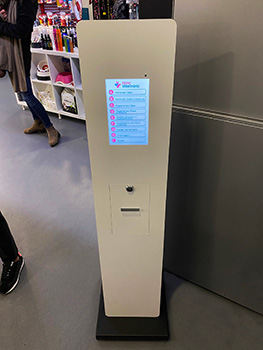
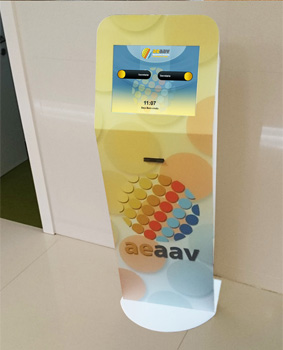
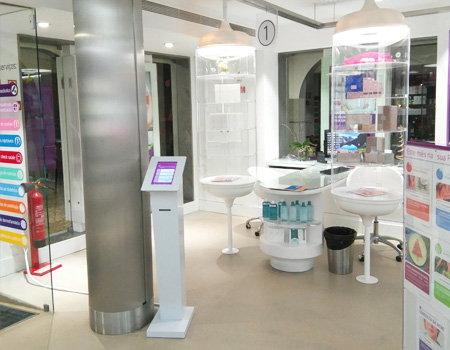
Provides tickets by voice at the kiosk and through QR code;
- 08
Tickets with customizable text and image;
- 09
Possibility of defining the order in which customers are called (first come, service, priorities, etc.);
- 10
Rerouting customers between services or offices with only one ticket;
- 11
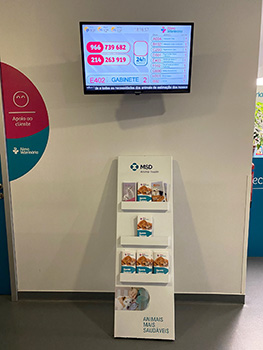
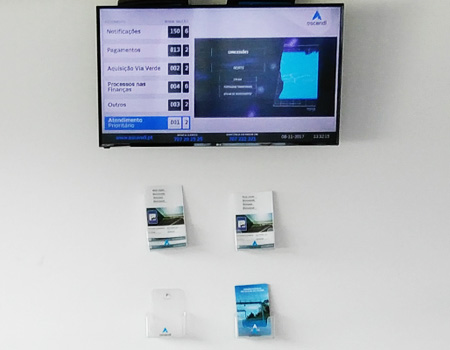
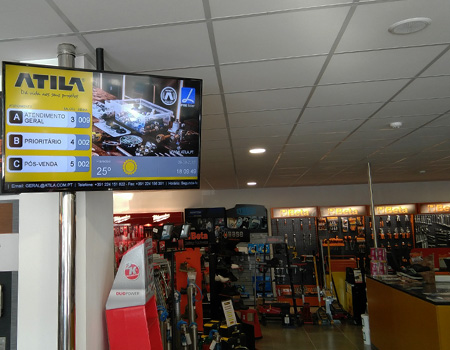
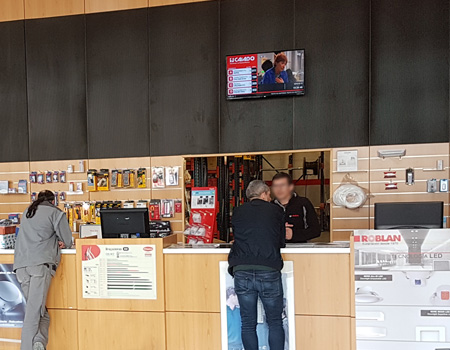
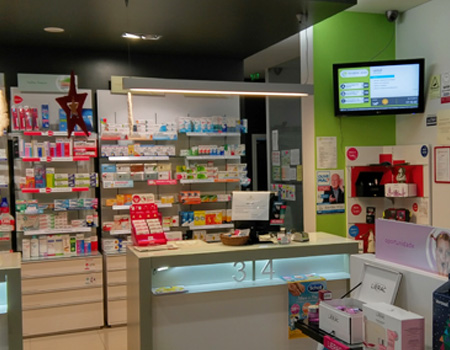
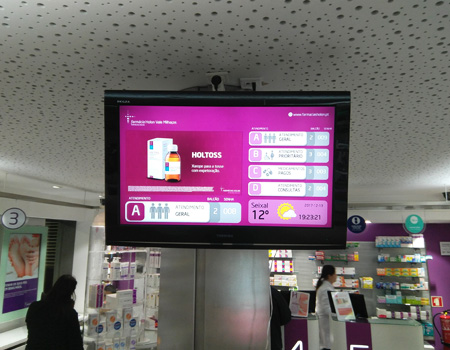
Integration with several multimedia contents (such as Corporate TV / Digital Signage);
- 12
Possibility of easy integration with other applications;
- 13
The communication between the equipment and the server is done by network (LAN, WAN or VPN) using the TCP/IP protocol;
- 14
Customizable template / layout design with all available multimedia modules;
- 15
Integrated solution with several clinical management softwares;
- 16
survey.track module – Customized satisfaction surveys with real-time results;
- 17
Specific module for voice call; Office Management; CC – Citizen Card; Virtual tickets (mobile APP + WEB Scheduling);
- 18
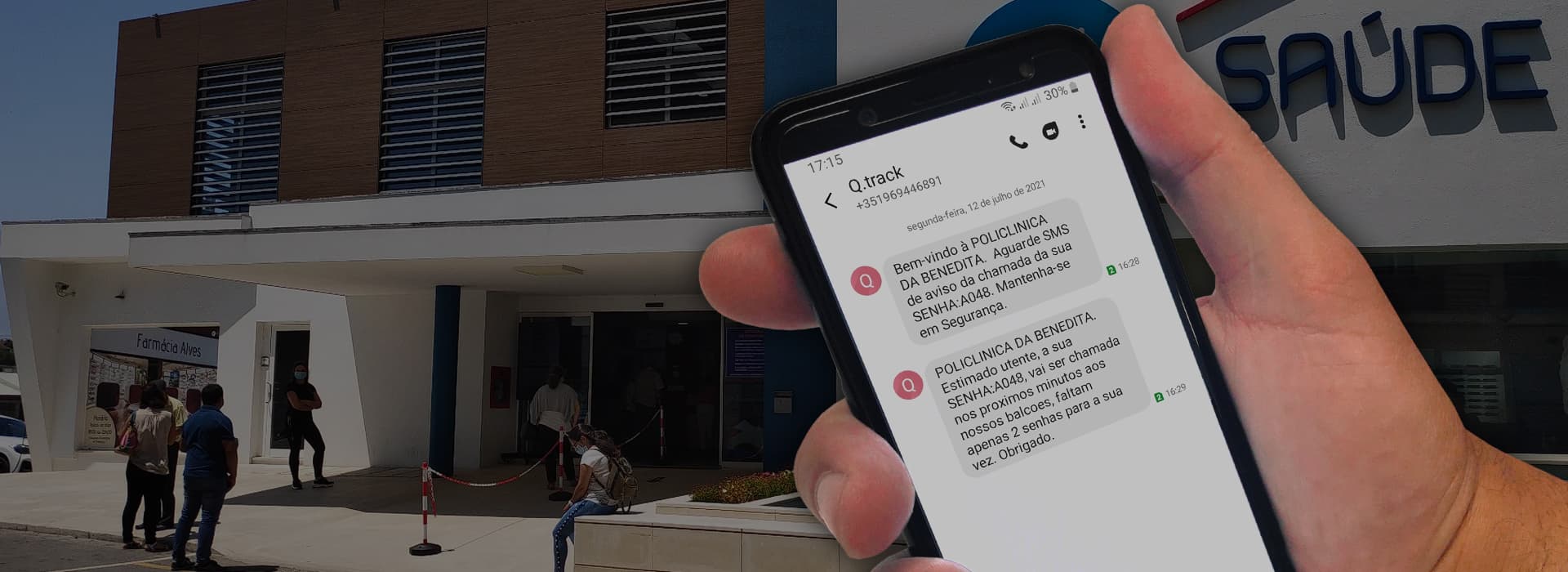
Notifications to customers and employees via SMS and/or Email;
- 19
Signing of Consent Documents (compatible with survey.track module);
- 20
CLOUD service with the possibility of managing several services in different locations via the local network or internet.
- 21
Second tab content — configure numbered lists, texts, and the optional download button in the management panel (Site Settings → Queue Management).
REFERENCES